
What is Prezi? The presentation software that zooms instead of flipping slides
Prezi is presentation software that uses one large, zoomable canvas instead of individual slides. A presentation shows the big picture first, then zooms into the details. Prezi runs in the browser and as an app, includes an AI assistant called Prezi AI and offers a free basic plan. Prezi is strongest when you want to show how things connect. It's explained here by Michael Sinnhuber, Austria's only certified Prezi Expert.
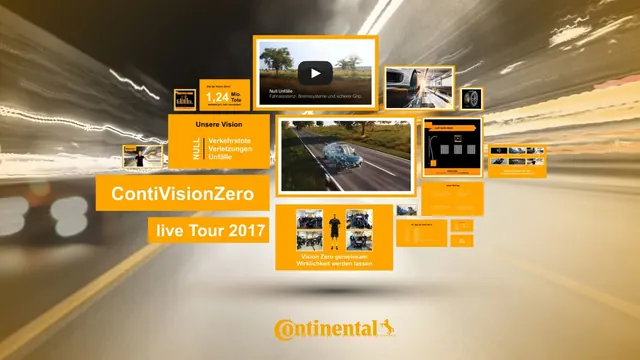
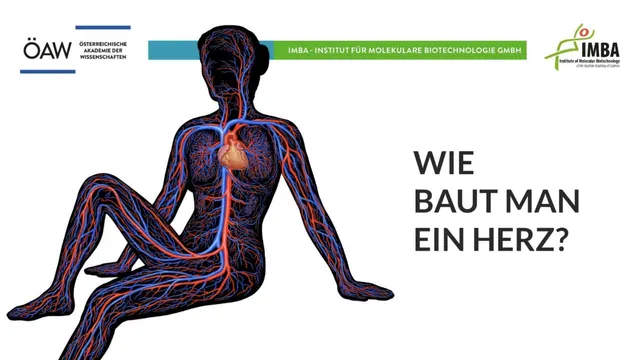
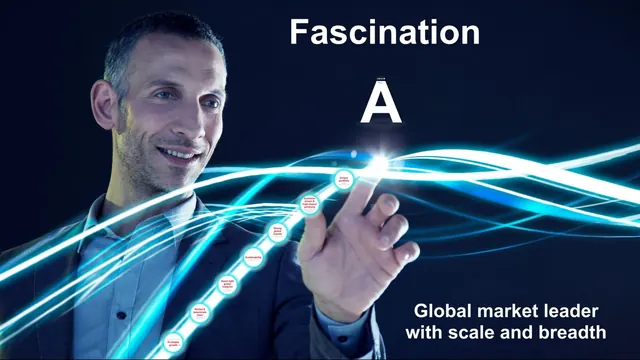
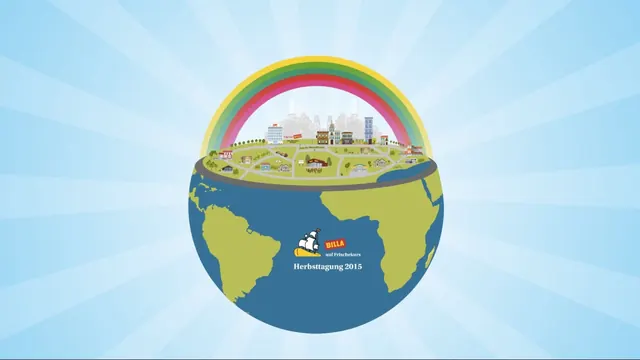
Prezi is presentation software that works with one large canvas instead of slides.
First you see the big picture, then the presentation zooms into the details and back out again. So your audience always knows where they are.
How Prezi works
If you're used to PowerPoint, Prezi takes a little rethinking. These are the basic principles.
-
One canvas instead of many slides
Everything lives in one space.
All the content of a Prezi sits on one large canvas. Topics form groups, and details sit inside their topics. The structure of your presentation becomes visible, not just something in your head.
-
Overview and zoom
From the big picture to the detail and back.
A presentation usually starts with the overview and then zooms into a topic. After each detail, it returns to the big picture. Your audience always sees where a point belongs.
-
A path through your story
You decide the order.
You decide the order in which the camera moves across the canvas. That path is your story. Good zooms follow the message and are never there just for show.
-
Present freely
Jump instead of clicking through.
When a question comes up, you click straight to the right topic and back again. Prezi calls this conversational presenting. It's especially powerful in sales conversations and workshops.
-
In the browser and as an app
No installation needed.
Prezi runs in the browser and as an app for Windows and Mac. You can present in the room, in an online meeting or by sharing a link. With a paid plan, it works offline too.
-
Prezi AI
A first draft in minutes.
Prezi AI turns a short description or existing slides into a first draft. That saves time getting started. It doesn't replace your story and message, more on that below.
See Prezi in action: click through it yourself
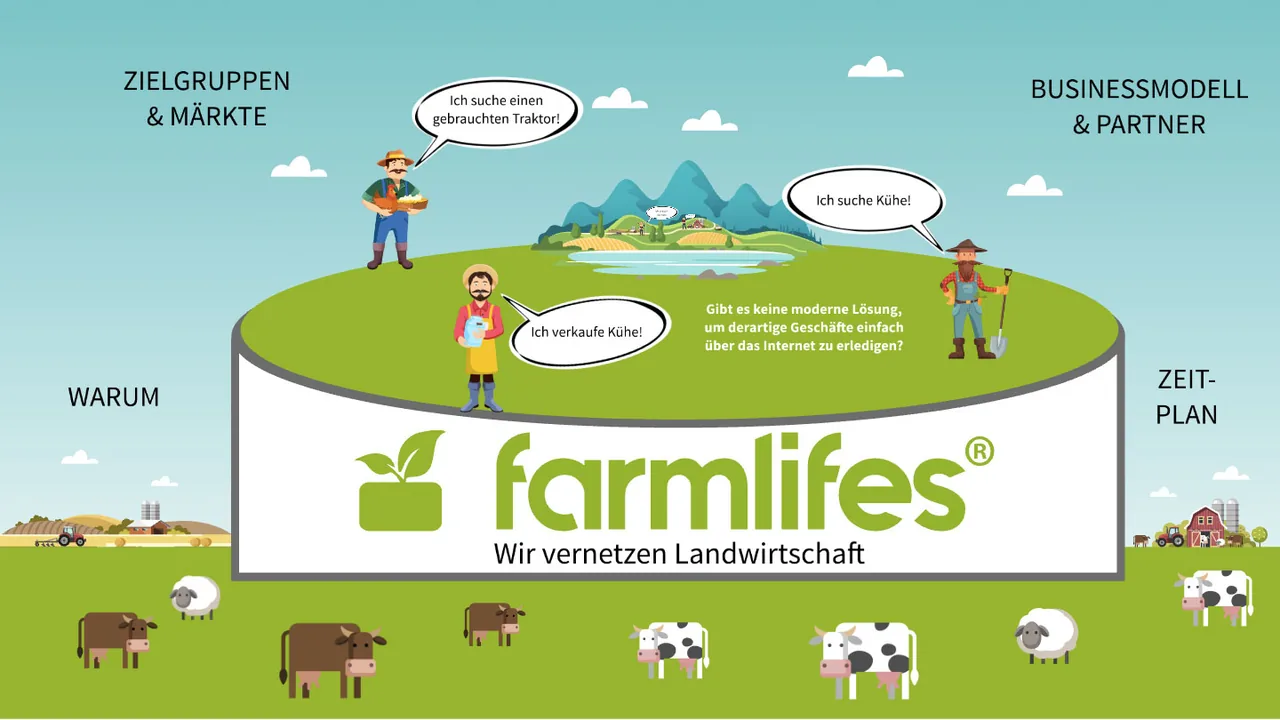
A real pitch deck from our work, for the startup farmlifes. Watch the overview at the start and how each zoom opens a topic.
Clicking loads the presentation from prezi.com. See the privacy policy.
Prezi or PowerPoint: what’s the difference?
The biggest difference isn’t the design, it’s the structure. PowerPoint thinks in slides, Prezi thinks in connections. In PowerPoint, one slide follows the next. In Prezi, all content sits on one canvas, and the presentation moves between the big picture and the details.
| Prezi | PowerPoint | |
|---|---|---|
| Structure | one canvas with topics and details | one slide after another |
| Movement | zooms between overview and detail | transitions between slides |
| Navigation | free, every topic one click away | mostly linear, slide by slide |
| Collaboration | together in the browser | the standard in almost every company |
| Sharing | link, app or PDF | a file anyone can open |
| Best for | pitches, keynotes, sales conversations, complex topics | reporting, board meetings, documents to read |
Both can be brilliant or dreadful. A Prezi that whizzes wildly around the canvas is just as exhausting as 60 slides full of bullet points. That’s why, before we choose any software, we ask one question: What should be different after your presentation?
When Prezi is the better choice
Prezi plays to its strengths when your audience needs to understand the big picture: how the parts of an offer fit together, how a market is developing or how a project is structured. Typical occasions are pitch decks, keynotes, sales presentations and company presentations. Prezi also works well at trade shows, because a Prezi can run on its own in a loop.
PowerPoint is the better choice when many people in a company work on a presentation, when slides get sent around individually or when the presentation is mainly something to read. Then we build it in PowerPoint. We work in both and will tell you honestly which one fits your occasion.
Prezi and AI: what Prezi AI can and can’t do
With Prezi AI, a short description is all it takes, and soon there’s a first draft on the canvas. The AI can also turn existing slides into a Prezi. For getting started, that’s a real help, for an internal presentation or a quick draft, for example.
For a pitch that decides whether you win the contract, an AI draft isn’t enough. The AI doesn’t know your audience, your goal or the one message that needs to stick. Prezi in particular depends on the canvas telling a story: what sits in the overview, where you zoom and why. That work stays human. More on this on our home page.
What the research says
A 2017 study from Harvard University compared presentations made with Prezi, with PowerPoint and with no slides at all. Audiences rated the Prezi presentations as more organized, more engaging, more persuasive and more effective. The authors put this down to the zooming and panning movements that characterize Prezi. The study was published in the journal PLOS ONE: Does a presentation’s medium affect its message?
Our experience from more than 1,000 presentations confirms this, with one caveat: the software amplifies a good story. It can’t rescue a weak one.
How much does Prezi cost?
Prezi offers a free basic plan with limitations and several paid plans for individuals, teams and education. For private presentations, presenting offline and exporting, you generally need a paid plan. Plans and prices change regularly, so check the current ones directly on Prezi.
When we design a Prezi for you, we hand it over fully editable in your own Prezi account. We’ll clarify which plan you need on the intro call.
Prezi Expert: the only certified one in Austria
Michael Sinnhuber, founder of MCPREZI, has been an official Prezi Expert since 2013 and a Prezi Certified Diamond Expert since 2019. He is Austria’s only certified Prezi Expert and one of the top 7 worldwide. Prezi awards this certification itself, for proven experience in planning, designing and using Prezi.
Rather not build a Prezi yourself? Have an expert design it for you, convert your PowerPoint to Prezi or turn your Prezi into a video. That’s what we’re here for.
Prezi examples from client projects
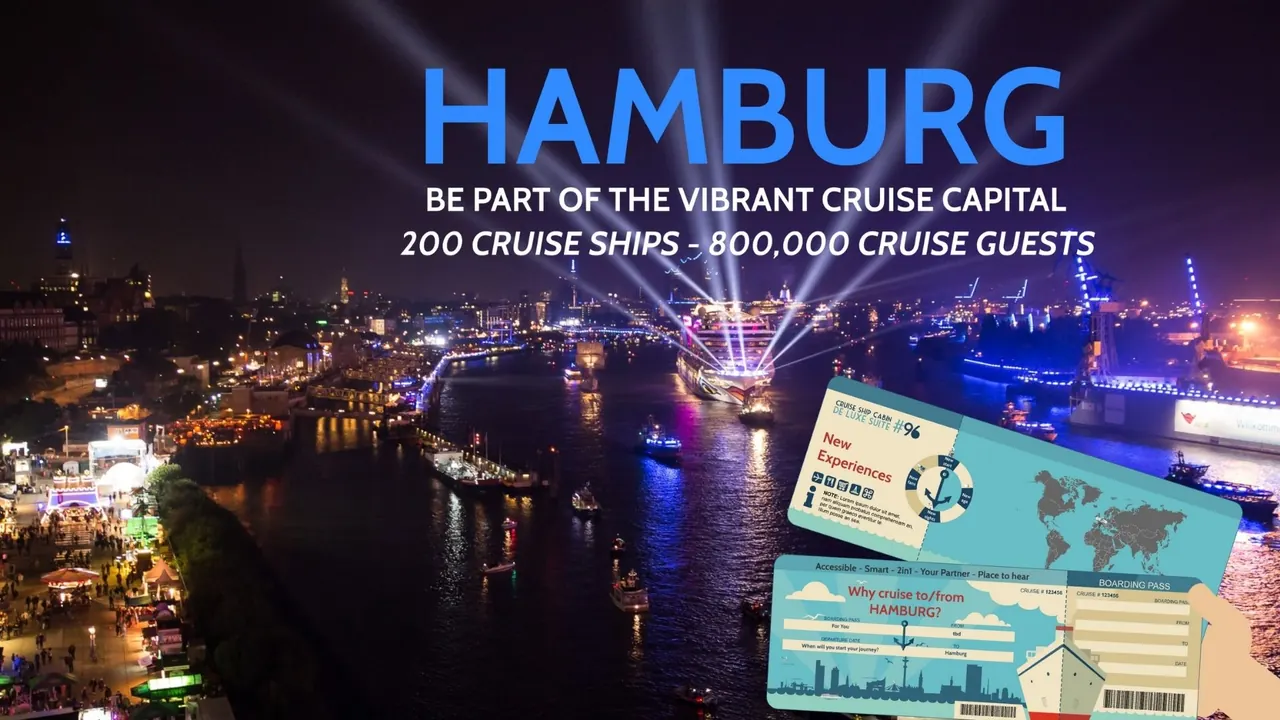
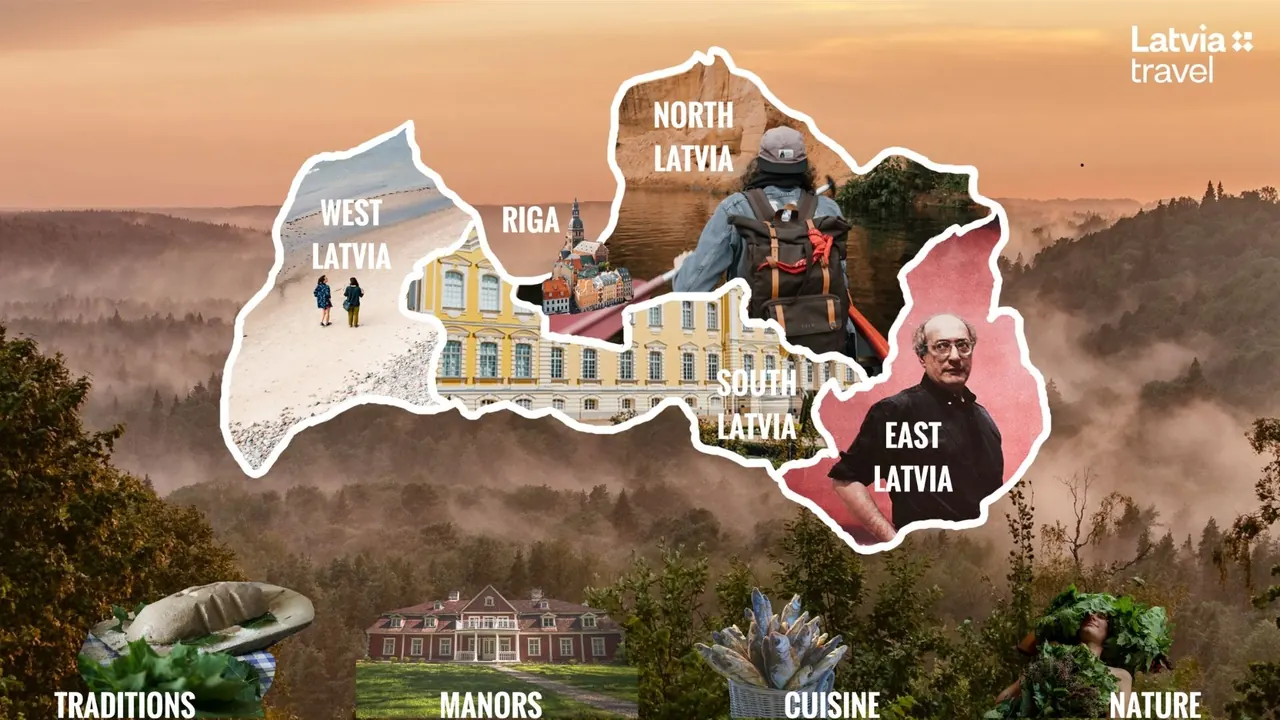
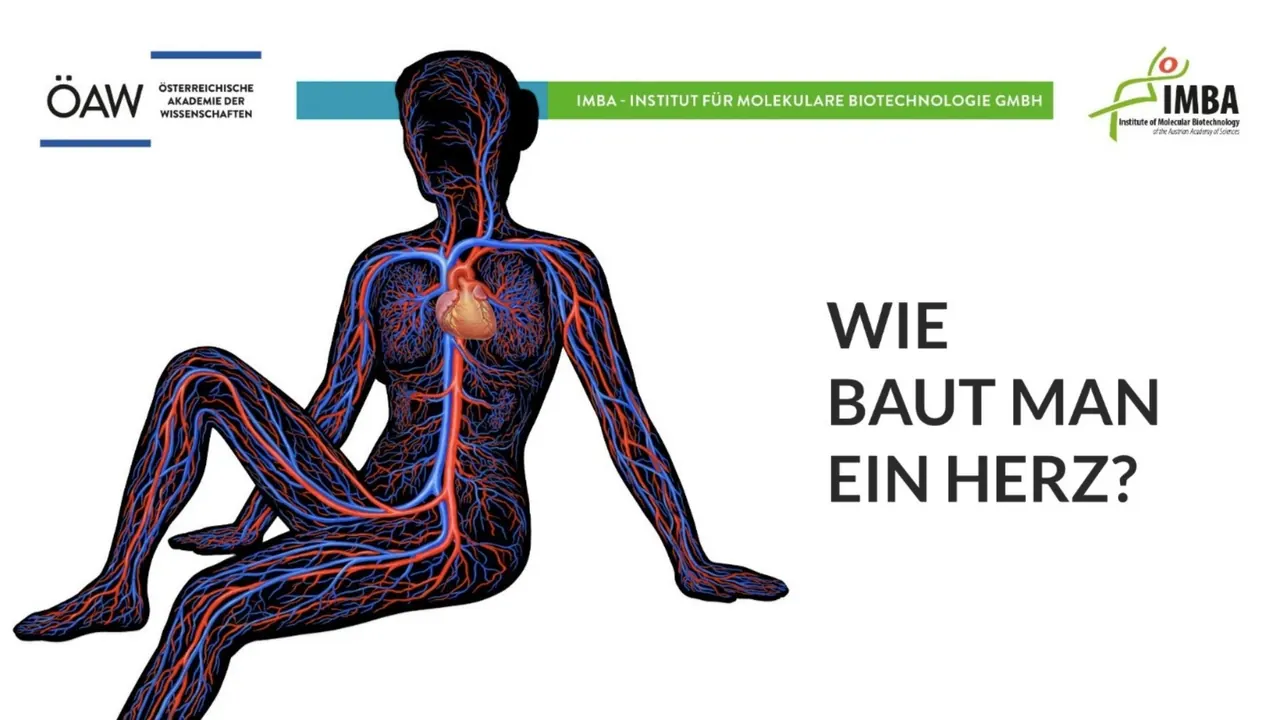
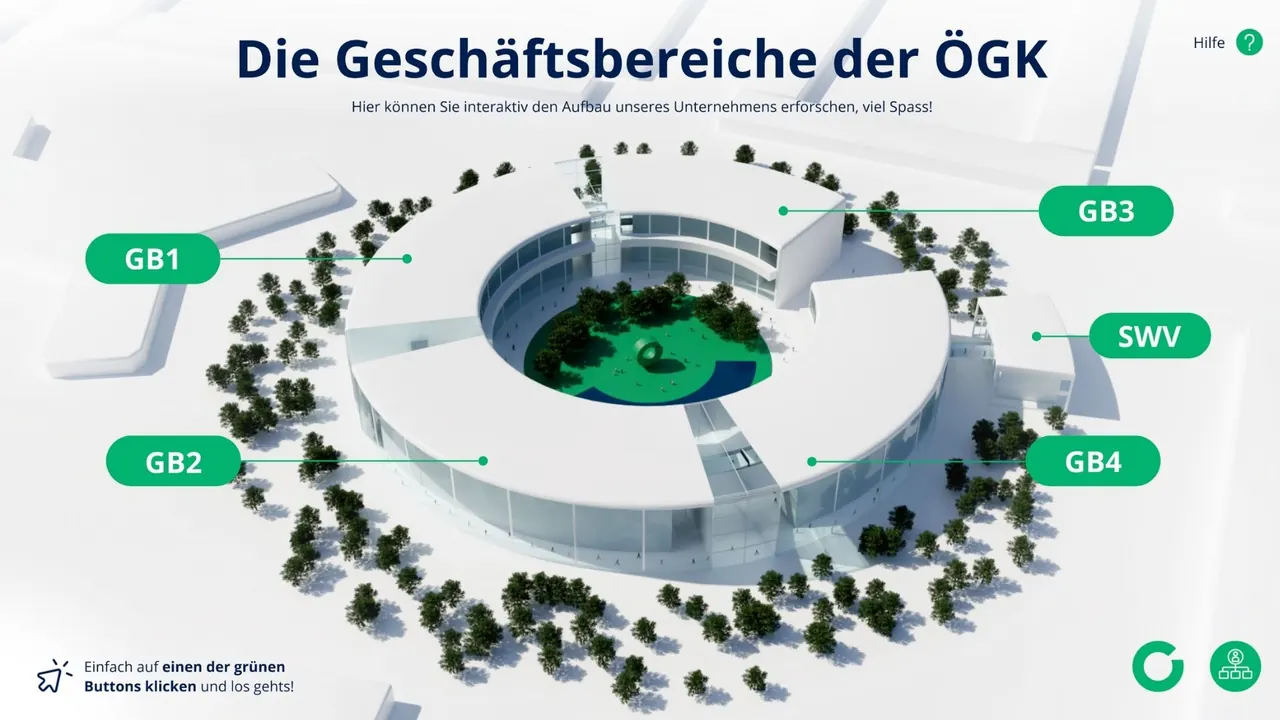
Not every Prezi looks the same. These examples show how different presentations on the canvas can be.
-
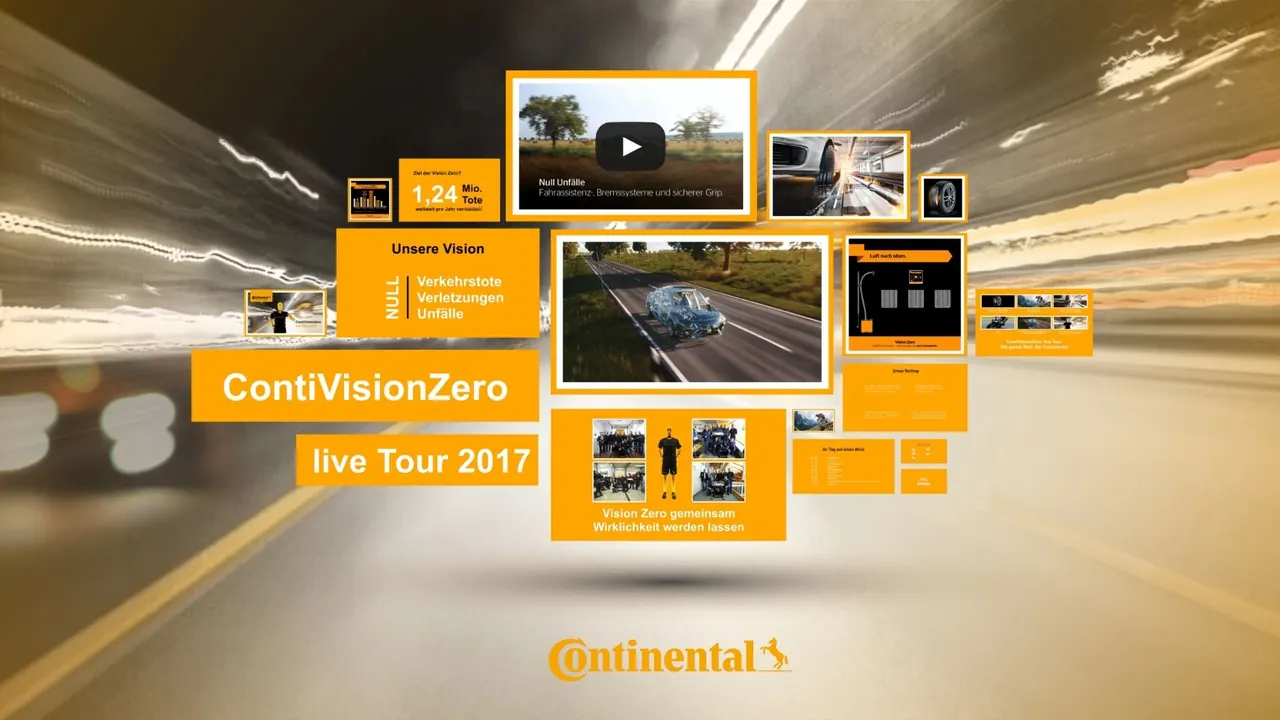
ContinentalKeynote 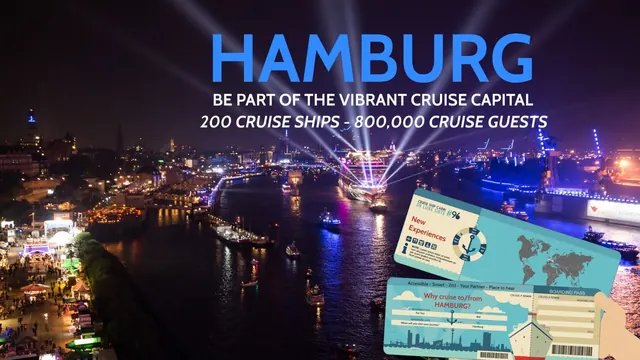
Hamburg MarketingCompany presentation 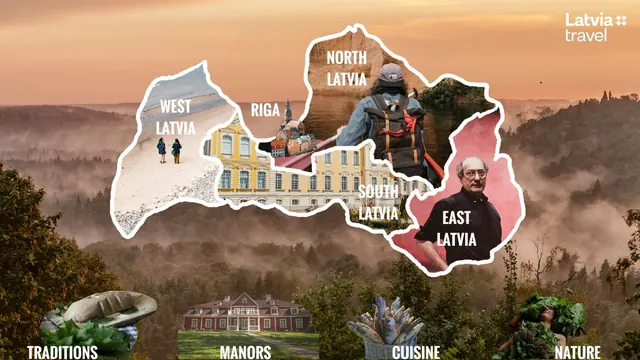
Latvia TravelSales and product presentation -
IMBAProject and strategy presentation 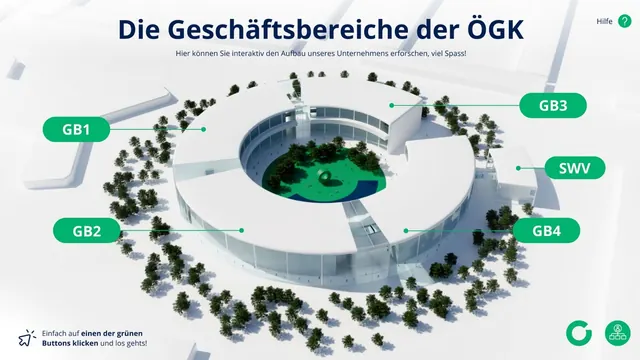
ÖGKCompany presentation 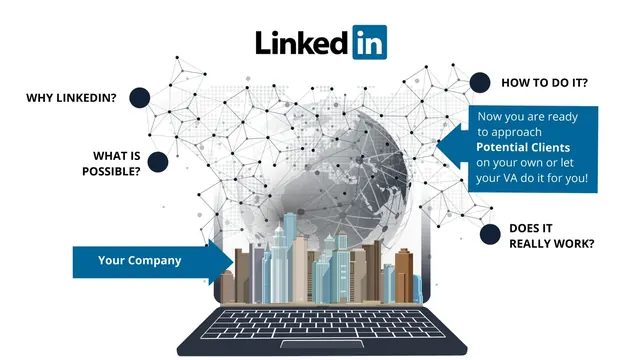
LinkedIn TrainingWorkshop and training

Who's explaining Prezi here
Michael Sinnhuber has worked with Prezi since 2012 and has been an official Prezi Expert since 2013. Since 2019, he has been a Prezi Certified Diamond Expert: Austria's only certified Prezi Expert and one of the top 7 worldwide. With MCPREZI, he has designed more than 1,000 presentations in Prezi and PowerPoint.
Frequently asked questions
What is Prezi?
Prezi is presentation software that uses one large, zoomable canvas instead of individual slides. A presentation shows the big picture first, then zooms into the details. Prezi runs in the browser and as an app for Windows and Mac.
Is Prezi free?
There's a free basic plan with limitations. For features like private presentations, presenting offline or exporting, you need a paid plan. You'll find the current plans and prices directly on Prezi. We're happy to talk through which plan makes sense for you on the intro call.
Is Prezi better than PowerPoint?
Not in general. Prezi is strong when you want to show how things connect and you present without notes. PowerPoint is better when many people work on a presentation or slides get passed around individually. Either way, what makes the difference is the story, not the software.
Where does Prezi come from?
Prezi was founded in Budapest in 2009. The idea was to show content in context rather than slide by slide: on a canvas where you zoom from the overview into the details.
Can I convert a PowerPoint into Prezi?
Prezi can import PowerPoint files. But that only places the slides on the canvas, so the presentation is still a sequence of slides. For it to work as a Prezi, the story has to be retold on the canvas. That's exactly what we do when we convert PowerPoint to Prezi.
Can I show a Prezi without an internet connection?
Yes, with a paid plan. You can either present in the Prezi app for Windows or Mac, or download the presentation as a standalone file that runs without Prezi installed. You can also download a Prezi as a PDF, but without the zooms.
Can Prezi create presentations with AI?
Yes. Prezi AI turns a short description or existing slides into a first draft. For internal presentations, that may be enough. A pitch or a keynote also needs a clear message and a story that fits your audience.
What is a certified Prezi Expert?
Prezi awards the certification itself, to people with proven experience in planning, designing and using Prezi. Michael Sinnhuber of MCPREZI has been a Prezi Expert since 2013 and a Prezi Certified Diamond Expert since 2019. MCPREZI is listed in the official Prezi Experts directory.
Is MCPREZI part of Prezi?
No. MCPREZI is an independent presentation design agency from Austria. It is neither part of nor affiliated with Prezi Inc. Michael Sinnhuber is an independent expert certified by Prezi.
Is Prezi right for your next presentation?
Tell us on a free intro call what it's about. We'll tell you straight whether Prezi or PowerPoint is the better fit, and send you a fixed-price quote right after.